



AIKON Article Details | AIKON
Why Your “1234” Can Turn Into “3412” in a Computer: Byte Order Explained
2025-03-28 17:26:12
Big-Endian vs Little-Endian: What Byte Order Means (With Simple Examples)
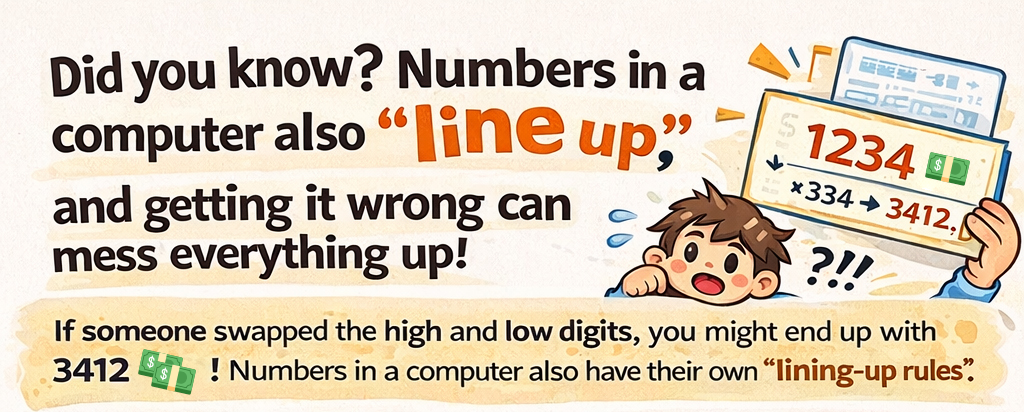
Have you ever seen a value look “wrong” after sending data to another device—or after reading a binary file? It can happen for the same reason a check for 1234 could be misread as 3412: the byte order is different.
In this article, you’ll learn Big-Endian vs Little-Endian with one simple example—and how to avoid mistakes in networks, files, and embedded systems.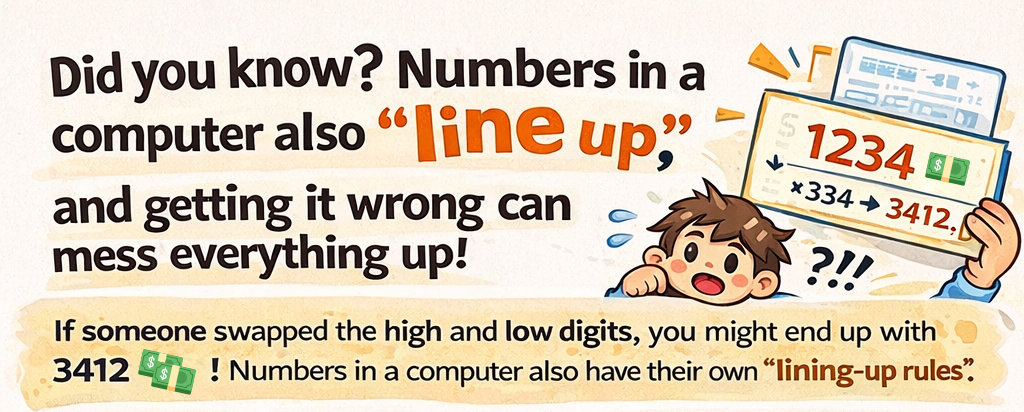
What is Byte Order (Endianness)?
When a number needs more than one byte (for example, 16-bit or 32-bit values), the system must decide which byte is stored first. That ordering is called byte order, or endianness.
There are two common conventions:
• Big-Endian: the most significant byte (high byte) comes first.
• Little-Endian: the least significant byte (low byte) comes first.
Big-Endian vs Little-Endian (A Simple Integer Example)
Take a 16-bit integer 1234 (decimal). In hexadecimal, it is 0x04D2. It can be stored in memory in two ways:
• Big-Endian: 04 D2 (High byte 04 first, low byte D2 second)
• Little-Endian: D2 04 (Low byte D2 first, high byte 04 second)
Tip: Big-Endian looks like how humans write numbers (big part first). Little-Endian stores the least significant byte first.
What About Floating-Point Numbers?
Floating-point values (like 3.14) are stored using the IEEE 754 format. Endianness still affects the byte order.
Example (IEEE 754 single-precision for 3.14):
• Big-Endian: 40 48 F5 C3
• Little-Endian: C3 F5 48 40
If a system reads floating-point bytes in the wrong order (without conversion), the value can become completely incorrect.
Where Byte Order Matters (Real-World)
Byte order becomes important whenever data crosses a boundary—between machines, files, or devices:
• Networking: Internet protocols define network byte order as Big-Endian. Hosts may need conversion.
• Binary files: Many file formats define a byte order. Reading with the wrong order corrupts values.
• Embedded & sensors: MCUs/CPUs may default to different endianness; sensor data can be misread if ignored.
How to Handle Endianness Safely (Practical Tips)
• Always document the expected endianness in protocols and binary files.
• Convert at boundaries: send/receive, read/write, or whenever data moves across systems.
• Use standard conversion utilities (for example in C: htonl()/ntohl() and related functions).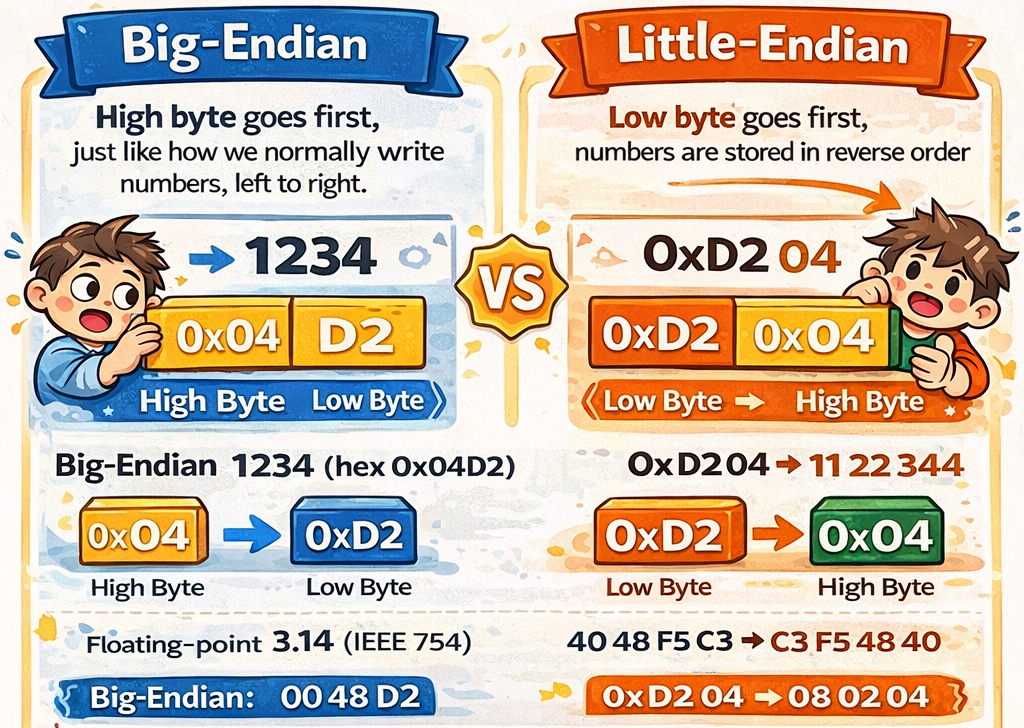
Quick Question for You
What endianness does your device or controller use—Little-Endian or Big-Endian? If you work with PLCs, sensors, or binary logs, a 10-second check can save hours of debugging.
Want to Learn More?
We share practical engineering notes on industrial control, data communication, and embedded systems. Visit our website: https://www.aikonchina.com
Comment below: Have you ever met a “wrong value” issue caused by endianness?
