



AIKON Article Details | AIKON
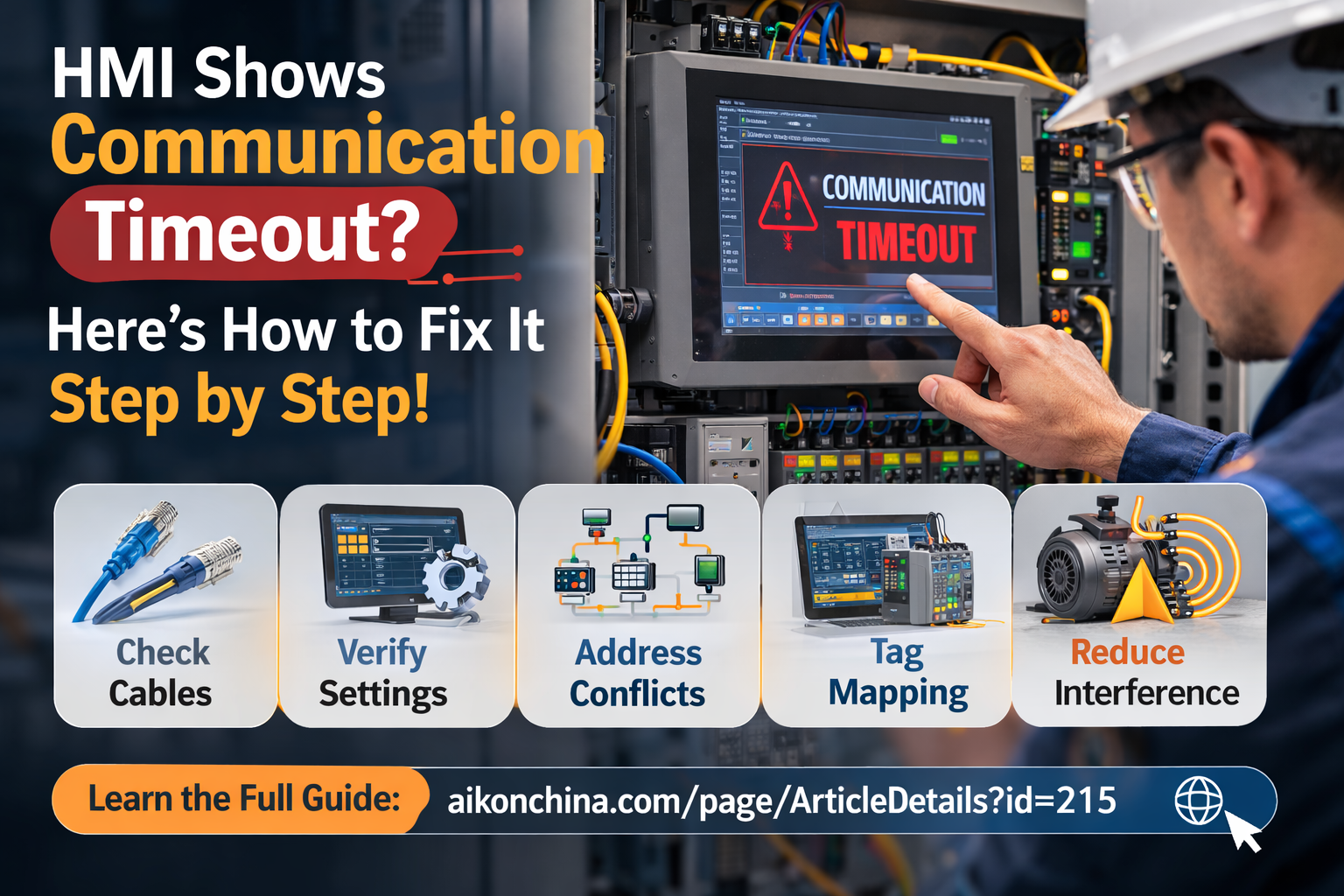
What Does “Communication Timeout” on an HMI Mean? Understand the Causes & Troubleshooting Logic in 5 Minutes (On-Site Friendly Guide)
2025-01-23 15:28:35
What Does “Communication Timeout” on an HMI Mean?
Understand the Causes & Troubleshooting Logic in 5 Minutes (On-Site Friendly Guide)
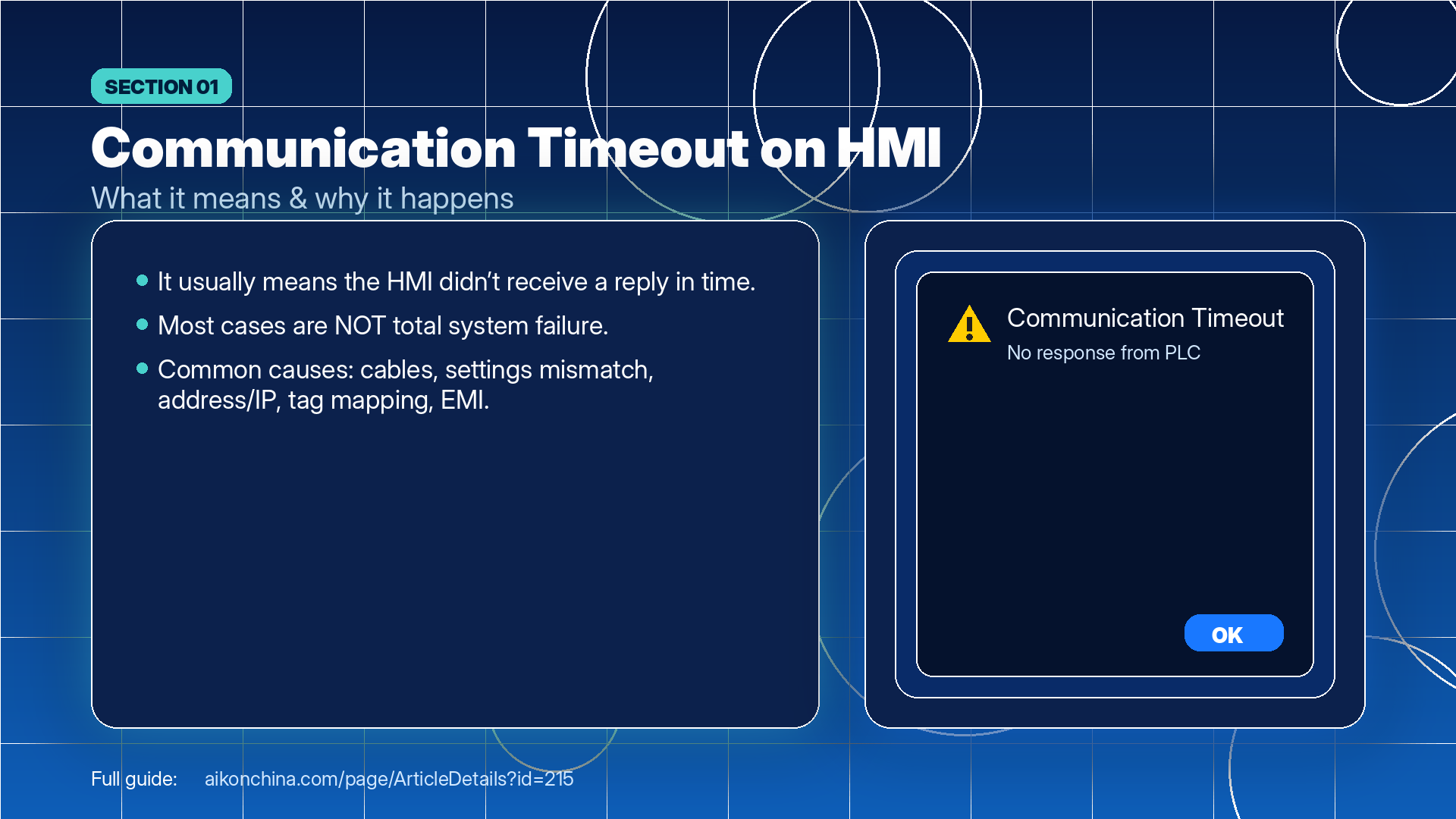
When an HMI (touchscreen) shows “Communication Timeout,” it usually does not mean the whole system is broken. It typically means: the HMI did not receive a response from the PLC/device within the set time limit.
Common causes include cables/connectors, mismatched communication settings, address conflicts, tag/data mapping issues, and electromagnetic interference (EMI). By troubleshooting step-by-step, most cases can be located and resolved quickly.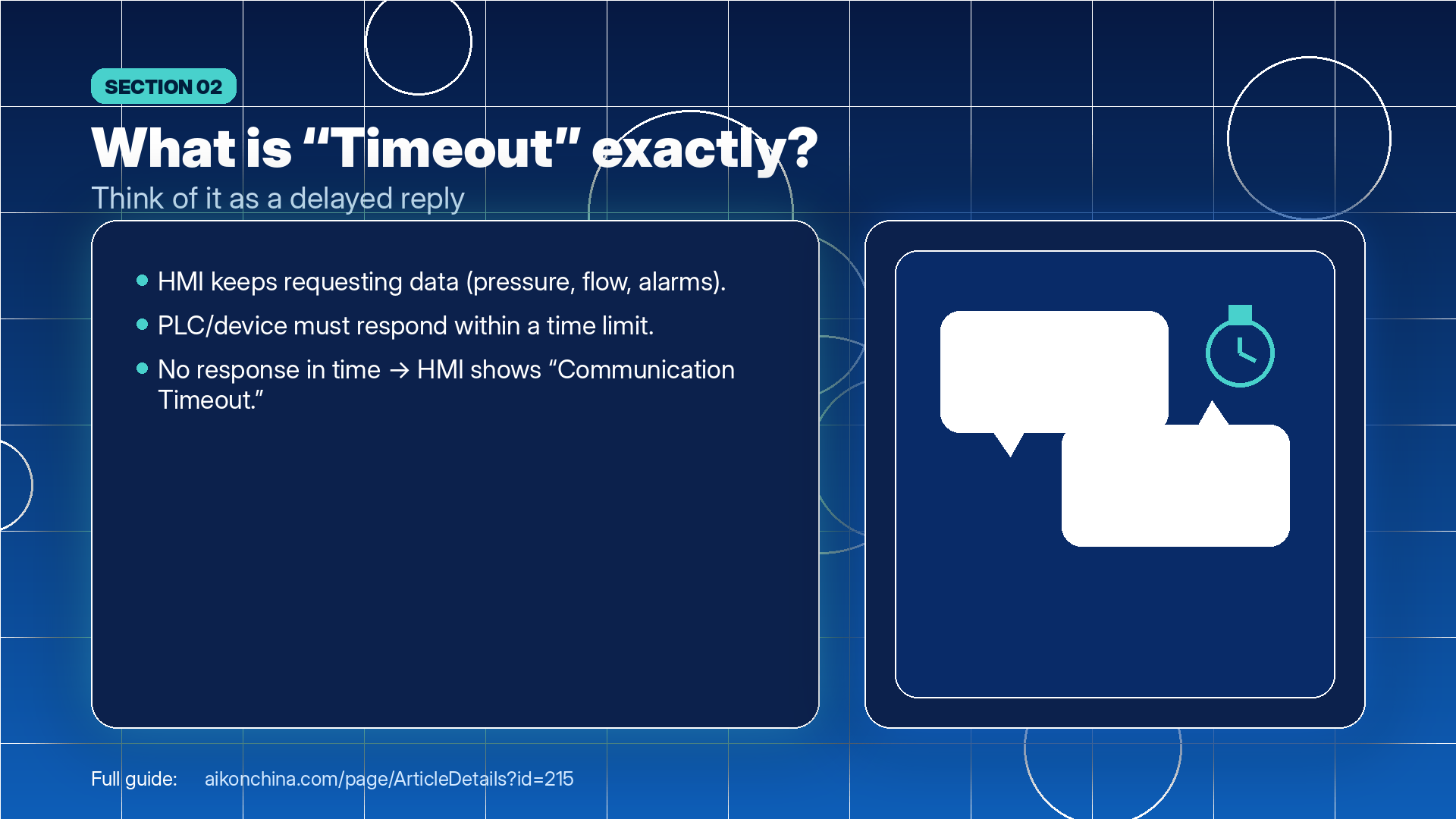
1) In One Sentence: What Exactly Is “Timing Out”?
Think of the HMI and PLC as two people talking over a walkie-talkie:
The HMI keeps asking: “What’s the pressure? What’s the flow rate? Any alarms?”
The PLC needs to reply in time: “Pressure 0.3, flow 20, no alarm.”
If the HMI asks but doesn’t receive a reply within a few seconds, it shows: Communication Timeout.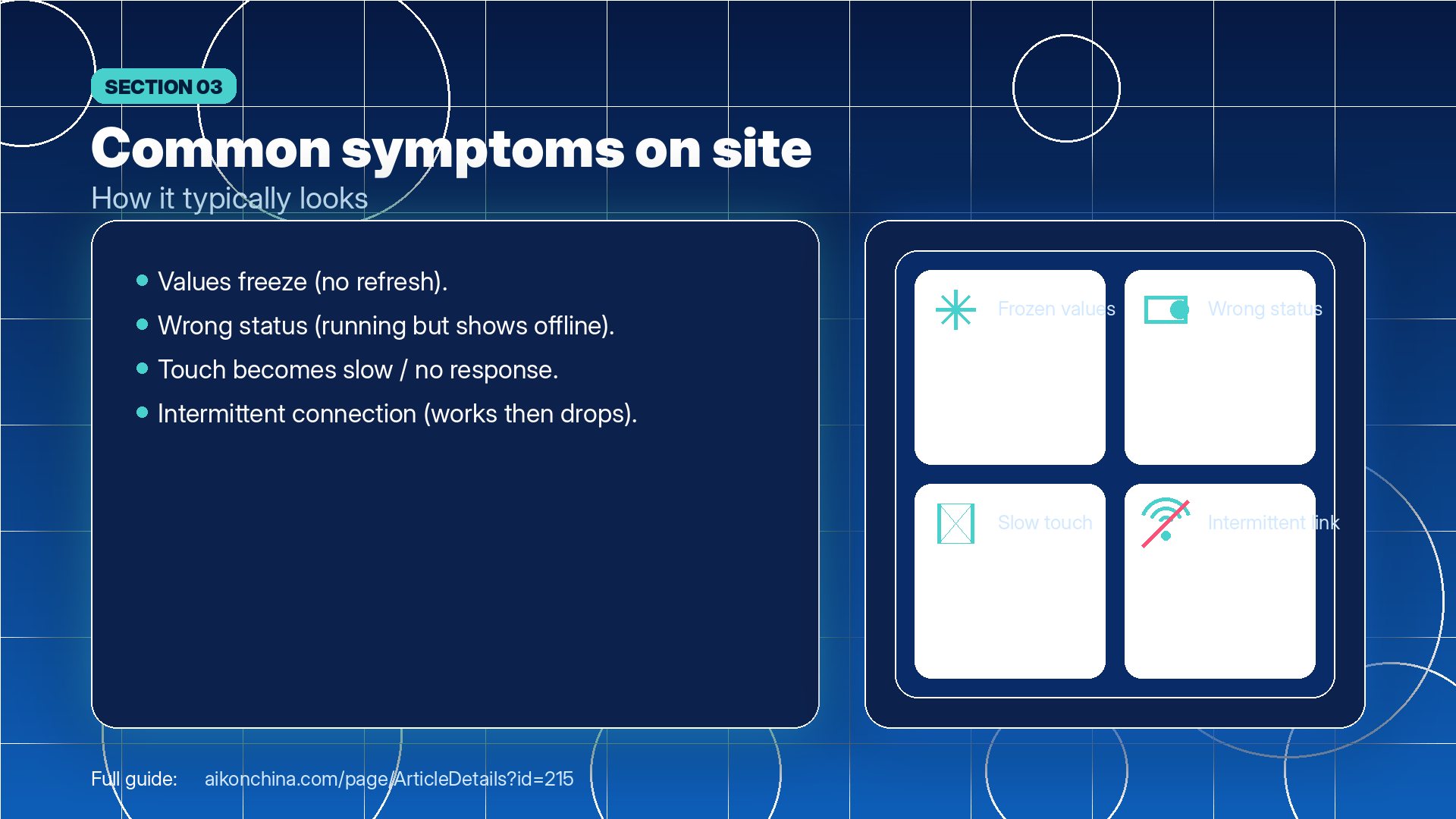
2) Common On-Site Symptoms You May See
Data on the screen stops updating (values freeze)
Device status looks wrong (running but shown as stopped/offline)
Touch operations don’t respond or respond very slowly
Intermittent connection (works sometimes, drops at other times)
All of these usually point to one core issue: an unstable communication link or mismatched communication configuration/data.
3) Recommended Troubleshooting Order: Start with the Fastest Checks
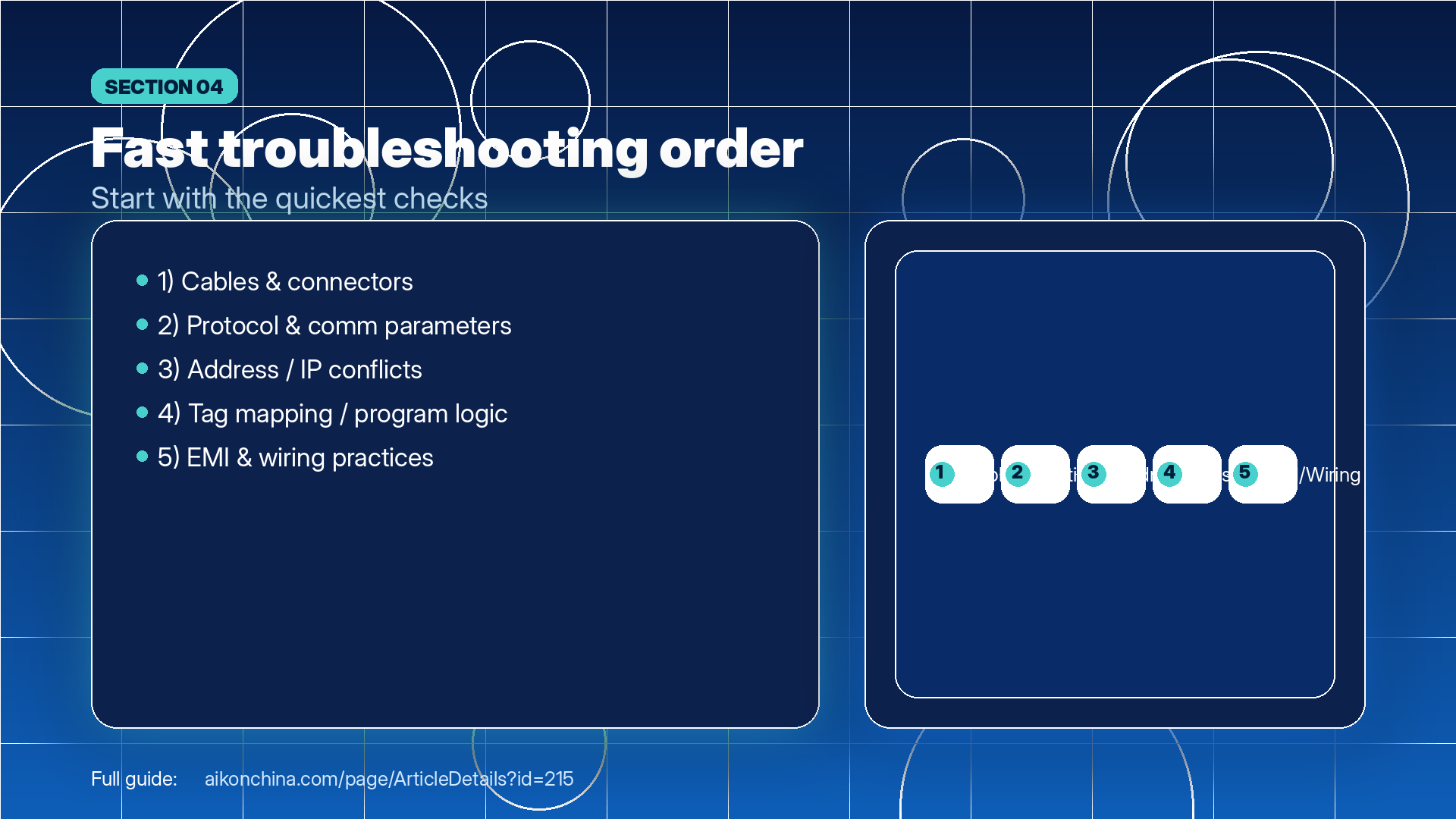
When troubleshooting on-site, the biggest mistake is jumping straight into code changes. A more efficient order is:
① Cables/connectors → ② Communication settings consistency → ③ Address/IP → ④ Program tags/mapping → ⑤ EMI & wiring
It’s simple: the first two are most common and also fastest to verify.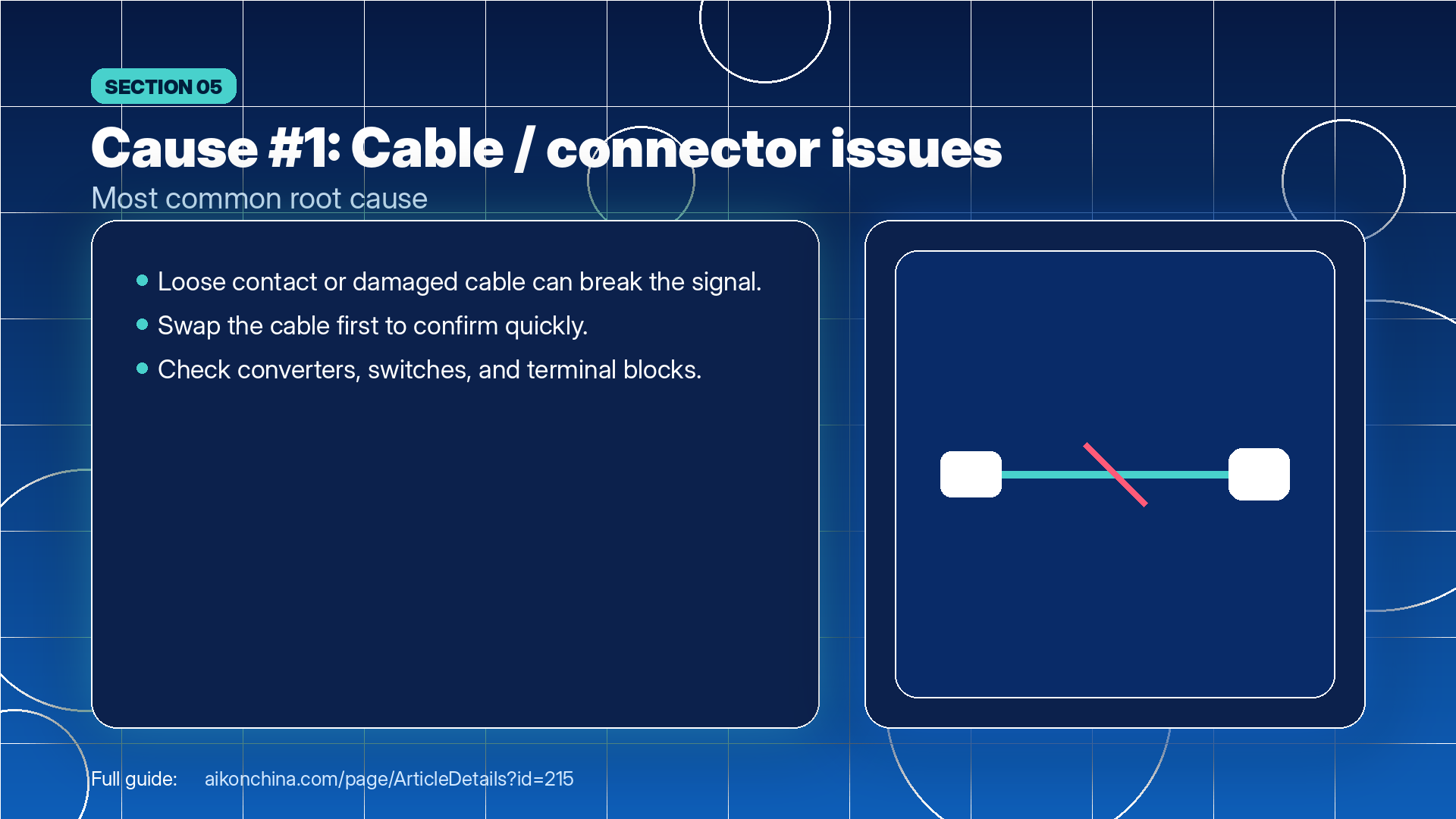
4) Five Major Causes + Practical Fixes (Easy-to-Understand Version)
Cause 1: Communication Cable / Connector Issues (Most Common)
Communication cables are like phone charging/data cables—they may look fine outside but be broken inside. Loose connectors can also cause unstable signals.
What to do:
Check if connectors are loose or terminals have poor contact
Try swapping the cable first (fastest way to confirm)
Check if converters/switches/terminal blocks are loose or damaged
Cause 2: Communication Settings Mismatch (Like Speaking Different Languages)
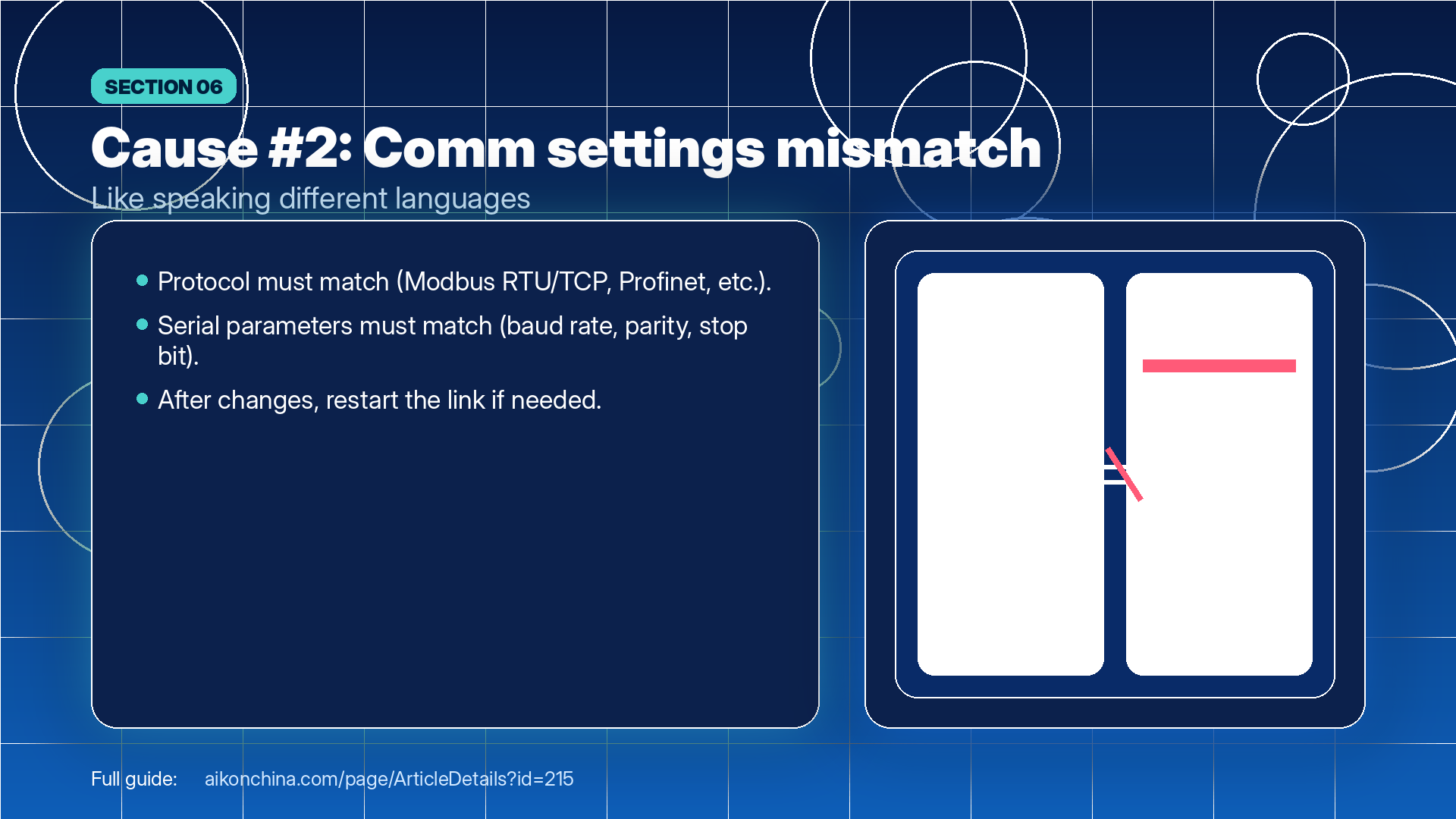
The HMI and PLC must “speak the same language,” meaning the protocol and parameters must match.
For example: selecting Modbus on one side while the other side uses a different protocol, or mismatched serial settings (baud rate/parity), can result in “no valid reply.”
What to do:
Verify protocol: Modbus RTU / Modbus TCP / Profinet, etc. must match
Verify serial settings: baud rate, data bits, parity, stop bit must match
After changes, restart the communication link (restart HMI/PLC if needed)

Cause 3: Device Address Conflict (“Same Name, Same Number”)
If two devices share the same address (or duplicate IP), conflicts occur when the HMI “calls” that address, causing communication errors or timeouts.
What to do:
Modbus: check for duplicate slave IDs
Ethernet: check for duplicate IPs and correct subnet/network settings
After expansion/replacement/copying projects, check this early
Cause 4: Program / Tag Mapping Errors (“Asking the Wrong Address”)
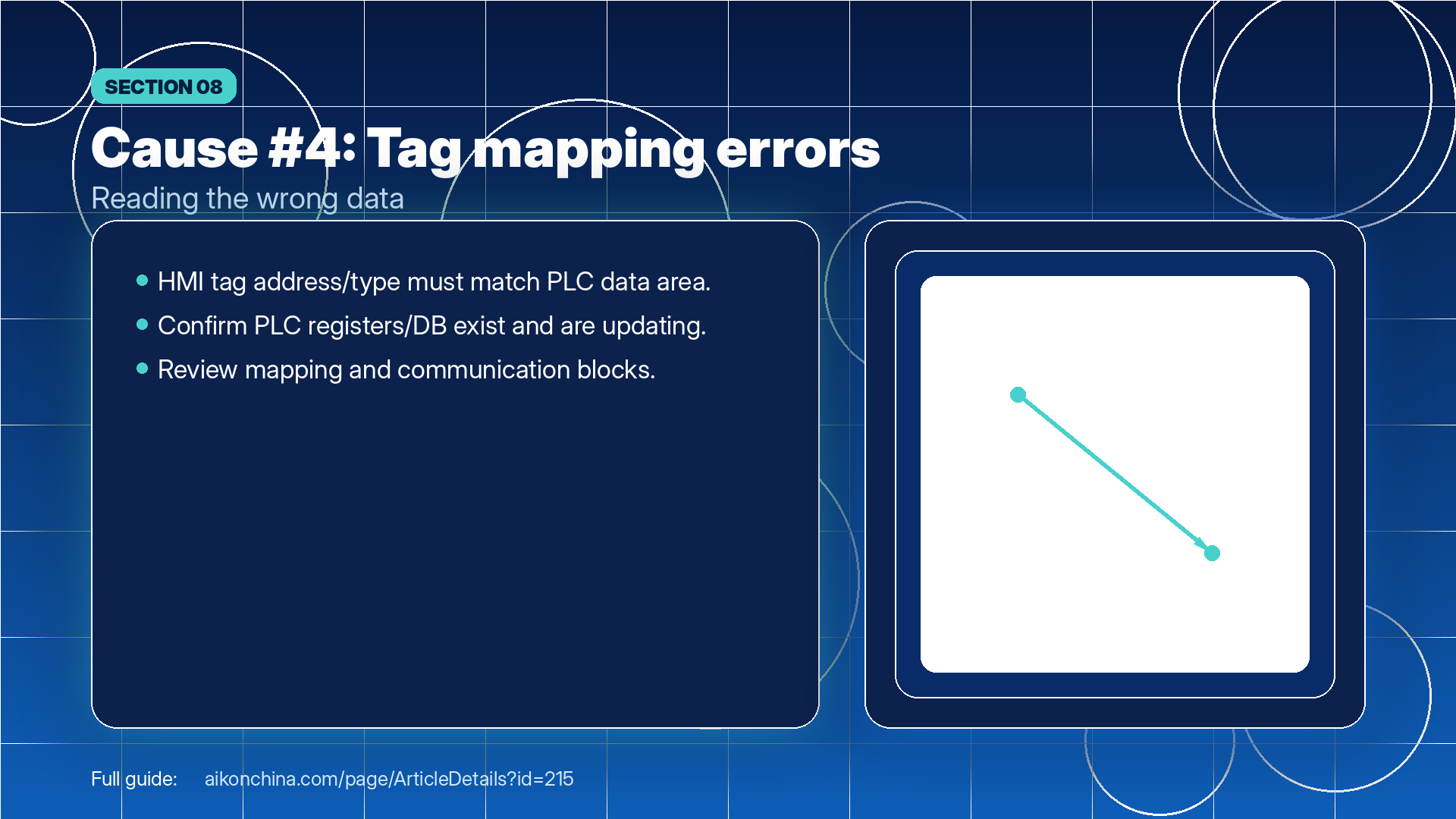
Even if wiring and parameters are correct, if the HMI reads the wrong register/DB address—or the PLC data isn’t mapped correctly—the HMI may “read nothing.”
What to do:
Verify HMI tag address, data type, and data area
Verify PLC DB/register exists and updates normally
Check communication blocks and mapping configuration
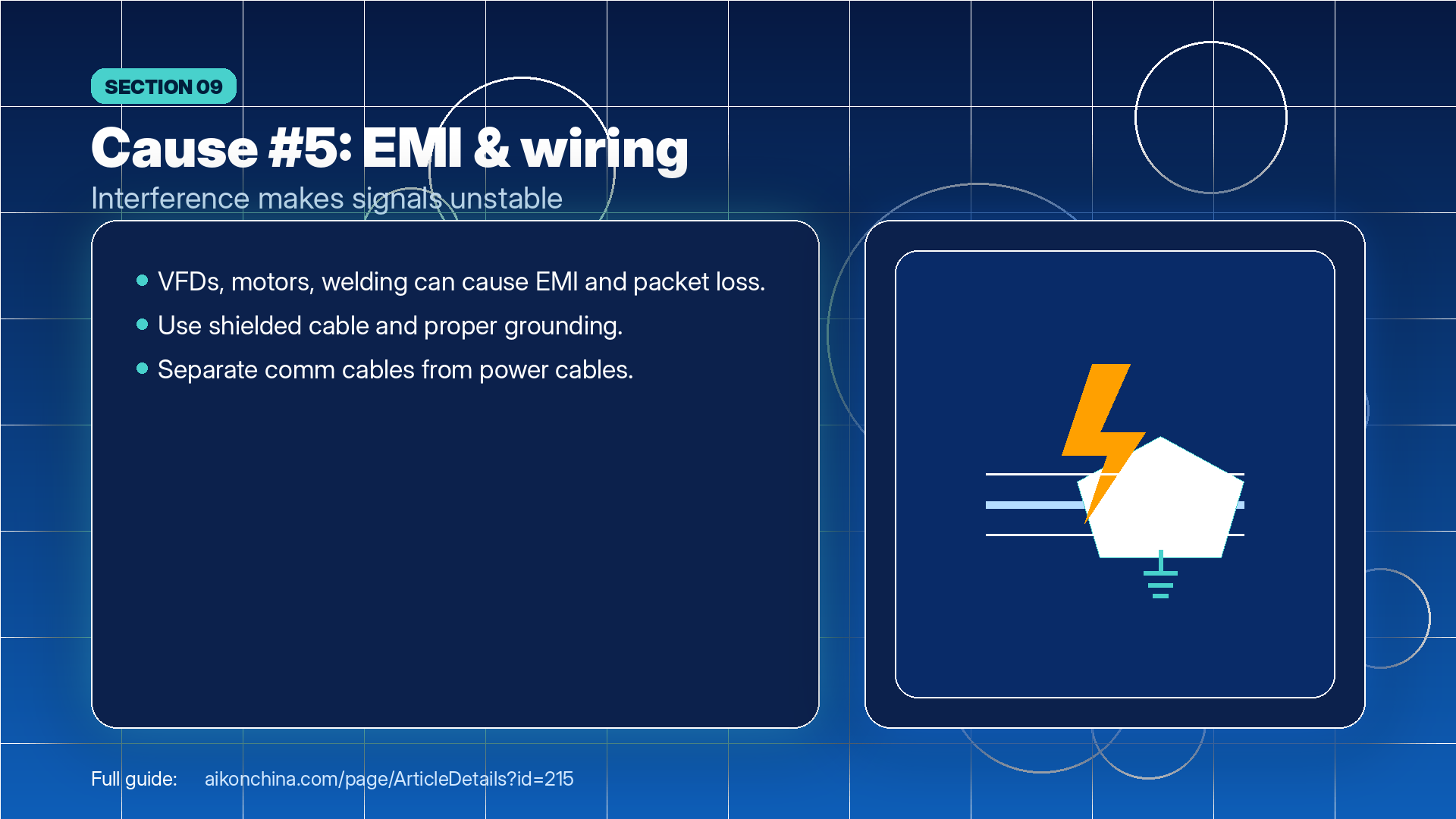
Cause 5: Environmental Interference (“Too Noisy to Hear Clearly”)
VFDs, high-power motors, welding machines, etc. can create EMI, causing unstable communication and packet loss. A typical symptom is:
It works normally, but timeouts happen when high-power equipment starts.
What to do:
Use shielded cables and proper grounding
Keep communication cables separate from power cables (avoid running parallel closely)
Stay away from strong EMI sources; add isolation/filters if necessary
5) A “Quick On-Site Checklist” (Worth Saving)
Go through this checklist from top to bottom (most issues are solved early):
Is the communication cable damaged? Are connectors loose? (Swap cable first)
Are HMI and PLC using the correct protocol? Are parameters consistent?
Any duplicate address/slave ID/IP?
Do HMI tags/data types match the PLC data area?
Any VFD/motor EMI sources nearby? Is wiring routed properly?
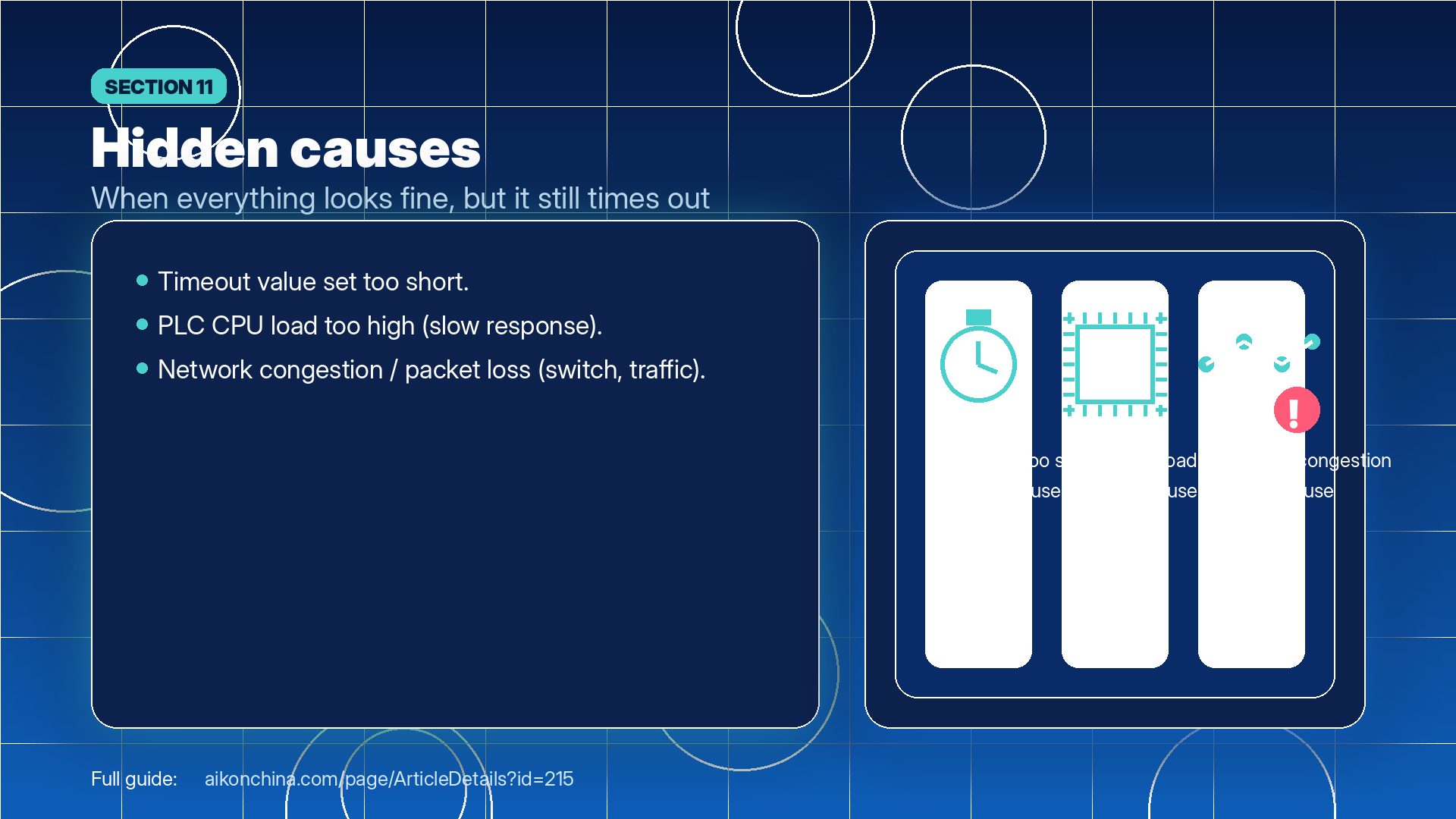
6) Don’t Miss These “Hidden Causes” (Everything Looks Fine, But Timeouts Keep Happening)
Timeout value set too short: small network delays trigger false timeouts
PLC CPU load too high: PLC is too busy to respond quickly
Switch/network congestion: packet loss makes it look like “no reply”